Klaviyo Integration
Pro+BatchCard Klaviyo Integration sends gift card emails through your own Klaviyo flows, so every card arrives in your branding. Connect once, then choose Klaviyo or Shopify delivery for each batch. Available on the Pro plan.
See the Klaviyo integration guide, learn how merchants use it for holiday campaigns, or read the gift card marketing strategies.
Install Free on Shopify
The right channel for every batch
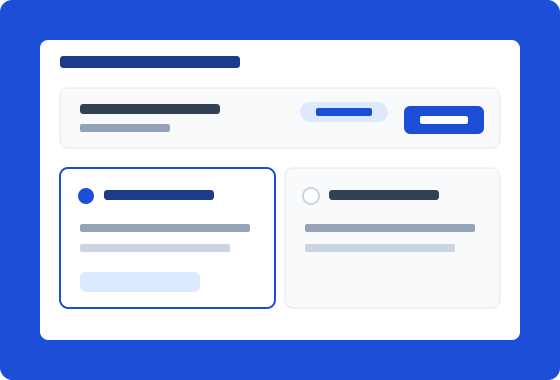
Send your holiday campaign through Klaviyo in your full branding, and let everyday batches use Shopify email. Connect your Klaviyo account once, then pick the channel each time you create a batch. No re-setup, no all-or-nothing switch.
Build the email once, use it for every card
Design one gift card email in Klaviyo and every card you issue can use it, whether the batch has 10 cards or 2,500. BatchCard fires a BatchCard Gift Card Issued event for each card with the code, balance, currency, and recipient details. The property names never change, so the flow you build today keeps working.
How It Works
Connect your Klaviyo account
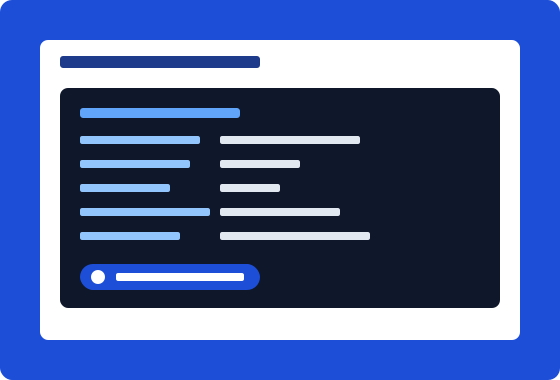
In Settings, paste a Klaviyo private API key with the events and accounts scopes. BatchCard confirms the connected account name so you know you linked the right one.
Send a test event
One test event registers the BatchCard Gift Card Issued metric in Klaviyo and gives you real values to preview while you build your email.
Build a metric-triggered flow
In Klaviyo, create a flow triggered by the BatchCard Gift Card Issued metric and drop the gift card fields into your email template. This is where your branding takes over.
Choose Klaviyo when you create a batch
Pick Klaviyo as the delivery channel for the batch. Each card fires the event and your flow sends the email, with no extra work per card.
Frequently Asked Questions
- Which plans include the Klaviyo integration?
- The Klaviyo integration is included on Pro ($9.99/mo) and Business ($24.99/mo). You choose the delivery channel for each batch, so you are never locked into one.
- Does "Sent to Klaviyo" mean the email was delivered?
- Not quite. "Sent to Klaviyo" means Klaviyo accepted the event; your own Klaviyo flow sends the email, so delivery depends on your flow and your suppression list. BatchCard shows this status in blue, not green, on purpose.
- Why did a suppressed recipient not get their gift card?
- Mark the flow email as transactional in Klaviyo and it will reach them. Klaviyo treats flow emails as marketing by default, so suppressed and unsubscribed profiles are skipped until you flip that setting. A gift card is a transaction, not a promotion.
- What happens to my connection if I downgrade below Pro?
- Nothing breaks. Your saved connection stays put and your key stays encrypted at rest. Klaviyo sends already in flight still go out through Klaviyo, and new batches use Shopify delivery until you upgrade to Pro again.
Related Features
Bulk Creation
Create hundreds or thousands of gift cards in a single batch. Set values, quantities, and expiration dates all at once.
Learn moreCSV/XLSX Import & Export
Import gift card data from CSV or XLSX files. Export batches for record-keeping and external processing.
Learn moreEmail Delivery
Starter+Deliver gift cards to recipients via Shopify's built-in email notification. Track delivery status for every recipient.
Learn moreReady to try Klaviyo Integration?
Install free on Shopify and start creating gift cards in minutes.
Install Free on Shopify