Scheduled Delivery
Pro+BatchCard Scheduled Delivery queues gift card emails for a specific date and time, available on the Pro plan. Ideal for holiday bonuses and timed promotions.
See the scheduling delivery guide, learn how merchants use it for holiday campaigns, or read the scheduled delivery automation.
Install Free on Shopify
Queue deliveries and track their status
See all scheduled deliveries in one view. Send now, cancel delivery, or wait for automatic delivery at the scheduled time.
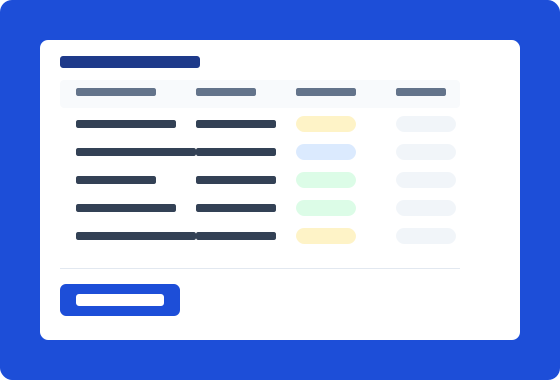
Gift cards created immediately, emails held until delivery time
Gift cards are created the moment you submit the batch. Email notifications are held and delivered at your scheduled date and time. No action needed from you.
How It Works
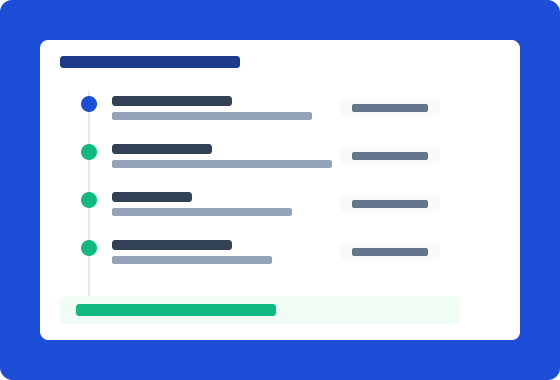
Create your batch with recipients
Add recipient email addresses through the batch form or CSV import, same as standard email delivery.
Set the delivery date
Choose the date and time for delivery. Gift cards are created immediately, but emails are held until the scheduled time.
Review the schedule
Check the delivery queue to confirm the date, time, and recipient count before the scheduled send.
Delivery runs automatically
At the scheduled time, BatchCard sends all gift card emails through Shopify. No manual action needed. Monitor delivery status on the batch detail page.
Frequently Asked Questions
- Which plans include scheduled delivery?
- Scheduled delivery is available on Pro ($9.99/mo) and Business ($24.99/mo). Starter and Free plans support immediate delivery only.
- Can I cancel a scheduled delivery?
- Yes. Open the batch detail page and click Cancel on any scheduled delivery before the send time. Gift cards remain active, only the email is cancelled.
- What timezone does scheduling use?
- Scheduling uses the timezone set in your Shopify store settings. All scheduled times display in your store's timezone.
- Are gift cards created at delivery time or scheduling time?
- Gift cards are created immediately when you submit the batch. Only the email notification is delayed until the scheduled delivery time. This means codes are available right away if you need to export them.
Related Features
Bulk Creation
Create hundreds or thousands of gift cards in a single batch. Set values, quantities, and expiration dates all at once.
Learn moreCSV/XLSX Import & Export
Import gift card data from CSV or XLSX files. Export batches for record-keeping and external processing.
Learn moreEmail Delivery
Starter+Deliver gift cards to recipients via Shopify's built-in email notification. Track delivery status for every recipient.
Learn moreReady to try Scheduled Delivery?
Install free on Shopify and start creating gift cards in minutes.
Install Free on Shopify