Bulk Resend
Starter+BatchCard Bulk Resend re-delivers gift card emails to a whole batch at once, to failed and unsent cards or to everyone still holding a balance, and always skips redeemed cards. Available on the Starter plan.
See the bulk resend guide, learn how merchants use it for holiday campaigns, or read the gift card marketing strategies.
Install Free on Shopify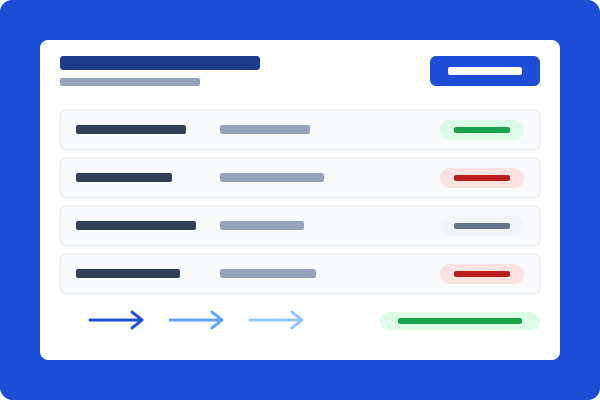
Fix delivery gaps without a spreadsheet audit
A batch of 300 cards went out and a dozen bounced, or a campaign underperformed and you want to remind everyone who has not redeemed yet. Pick a scope, Failed and unsent or All unredeemed, and BatchCard resends to every matching card in the batch. No exporting, filtering, and re-sending one card at a time.

Redeemed cards are never re-emailed
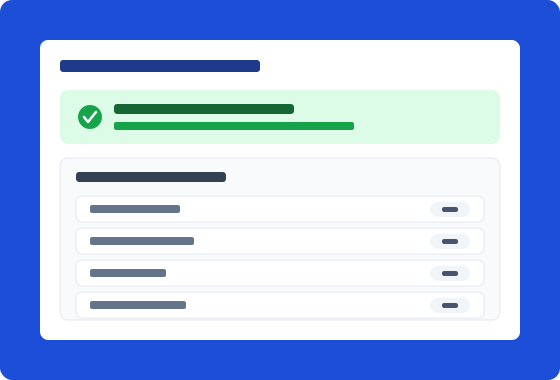
Before sending anything, BatchCard refreshes card balances from Shopify and drops every card that was redeemed, deactivated, expired, or emptied. The confirmation shows exactly how many cards will get an email and why the rest are skipped, so you know what is going out before it goes out.
How It Works
Open the batch
Go to any batch with email delivery and click Resend emails on the batch detail page.
Choose your scope
Pick Failed and unsent to patch delivery gaps, or All unredeemed to nudge everyone still holding a balance. BatchCard shows a live count for each.
Confirm the send
Review how many cards will be emailed and how many are skipped (redeemed, deactivated, expired, or empty). Confirm, and the resend runs in the background.
Check the outcome
The batch page reports how many emails went out and flags any card that could not be sent, with per-card delivery status updated as sends complete.
Frequently Asked Questions
- Which plans include bulk resend?
- Bulk resend is included on Starter ($4.99/mo), Pro ($9.99/mo), and Business ($24.99/mo). It works on any batch that uses email delivery. Deactivate all cards is included on the same plans.
- Can I deactivate every card in a batch at once?
- Yes. Open a finished batch, choose Deactivate all cards, and BatchCard shows how many cards it will deactivate and how much balance is still on them before you confirm. Deactivation is permanent and cannot be undone: a deactivated card can never be redeemed or reactivated, in BatchCard or in Shopify. Use it when a promotion ends or a code list gets out.
- Which cards does Deactivate all cards affect?
- Every card in the batch that is still active, including cards already spent down to a zero balance. Cards that were deactivated earlier are skipped and reported, so a second run never double-counts them.
- Can a recipient be emailed about a card they already spent?
- No. BatchCard refreshes balances from Shopify right before sending and excludes every redeemed, deactivated, expired, or zero-balance card. That check runs at send time, not from stale data.
- What is the difference between the two resend scopes?
- Failed and unsent covers cards whose original email failed or never went out, which is the scope for fixing delivery problems. All unredeemed covers every card in the batch that still has its full balance, which is the scope for campaign reminders.
- Does bulk resend work on batches created without email notifications?
- Yes. For batches created silently, BatchCard attaches the recipient to each card first, then sends the gift card email. Cards without a recipient email on file are skipped and reported.
Related Features
Bulk Creation
Create hundreds or thousands of gift cards in a single batch. Set values, quantities, and expiration dates all at once.
Learn moreCSV/XLSX Import & Export
Import gift card data from CSV or XLSX files. Export batches for record-keeping and external processing.
Learn moreEmail Delivery
Starter+Deliver gift cards to recipients via Shopify's built-in email notification. Track delivery status for every recipient.
Learn moreReady to try Bulk Resend?
Install free on Shopify and start creating gift cards in minutes.
Install Free on Shopify